Project Lantern
A downloadable tool for Windows
Your games deserve a better shelf.
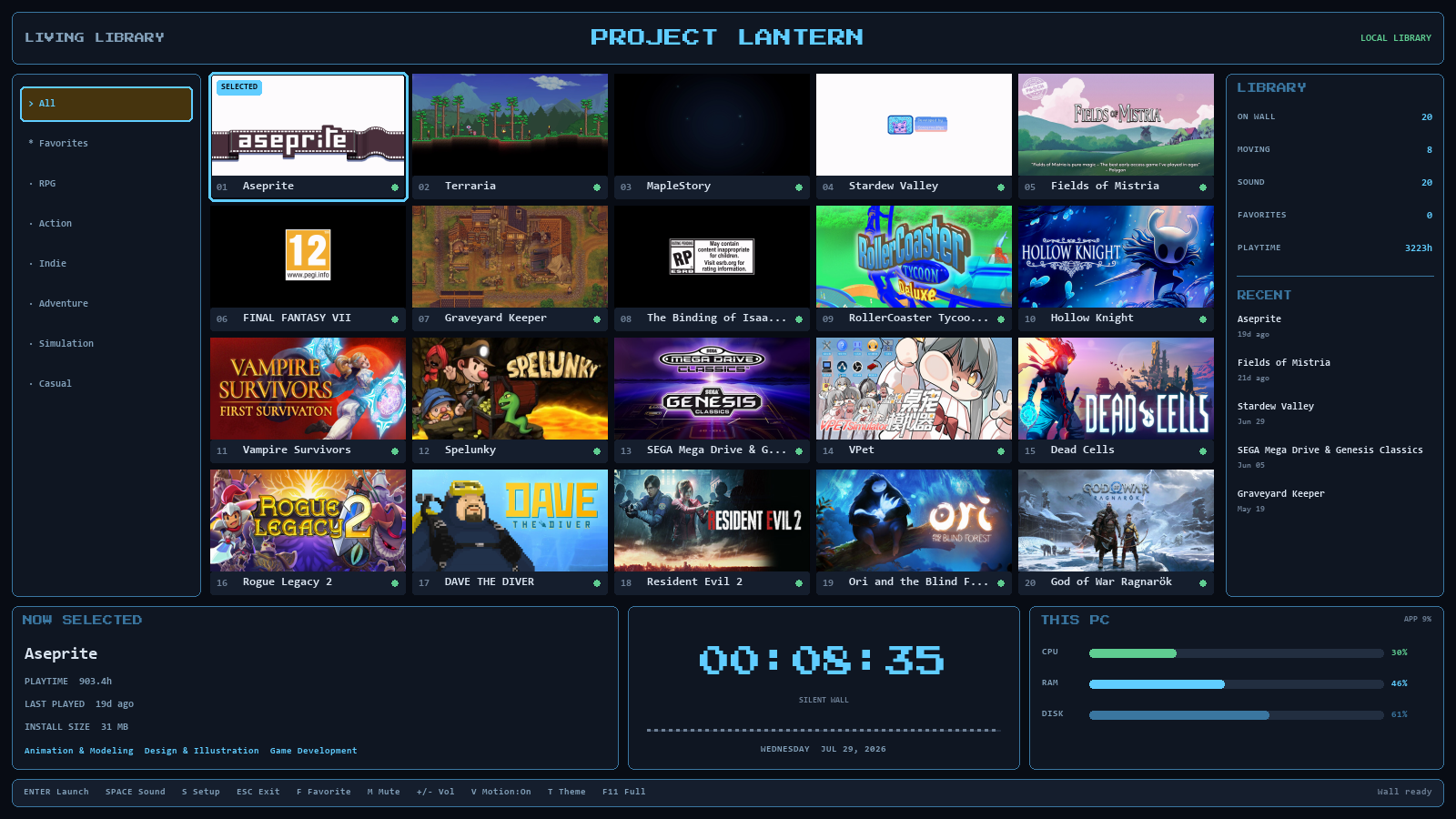
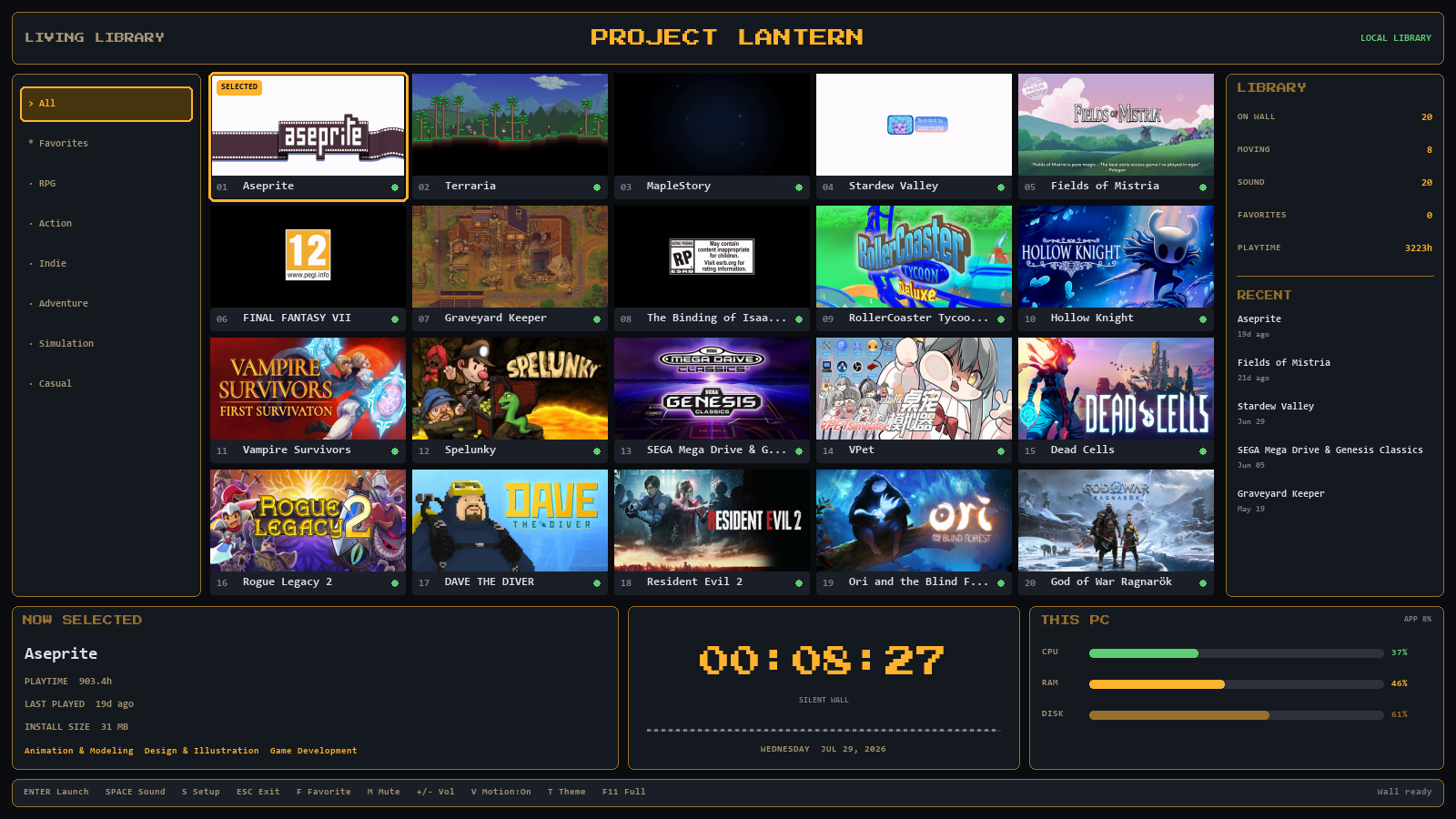
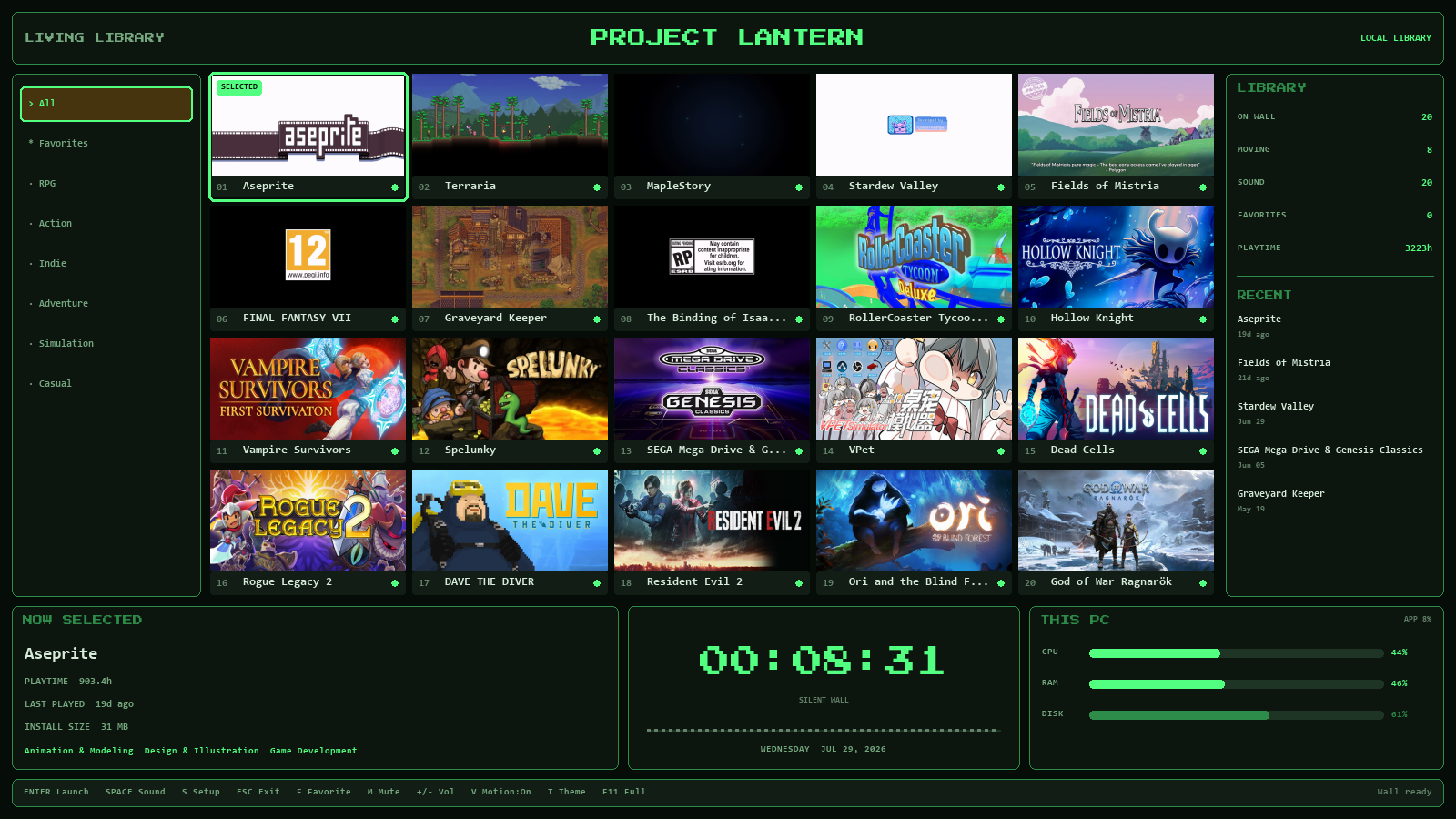
Project Lantern turns the Steam library already on your PC into a living wall: your top 20 most-played games as a grid of playing trailers, ranked by your real playtime, with your recent activity, favorites, and one-click launch. Leave it running on a spare monitor or a TV — after 90 seconds idle it slowly drifts through your collection on its own.
The wall is silent by design. Move the selection and that game's trailer sound fades in with a crossfade; press SPACE to stop it. A live waveform pulses under the clock while it plays.
What it does
- 🎬 20 moving trailers — fetched from Steam's public store pages for the games you actually play, at the frame rate your PC can afford
- 📊 Your real numbers — playtime, last played, install size, straight from your local Steam files; updates itself after you play
- 🚀 Launch from the wall — Enter, double-click, or controller A
- 🎮 Couch-ready — full controller navigation, works plugged-in late
- 🎨 Three themes — amber CRT, green terminal, ice; one key to switch
- 🔇 Silent wall, click-to-listen sound with crossfade + waveform
- 🌙 Ambient mode — drifts through your library when idle
- ⚙️ Self-tuning — hardware-accelerated decode where available, and it sheds motion instead of stuttering on older PCs
- 📸Share your wall — press P for a 15-second clip saved straight to your Videos folder
What it never does
- No account. No login. It never asks for your Steam password.
- No telemetry, no analytics, nothing collected — the only network requests fetch your own games' public artwork and trailers from Steam, and only with your consent at setup.
- No installer, no services, no registry hooks — one folder; delete it (plus %LOCALAPPDATA%\ProjectLantern) and it's fully gone.
Try before you buy
The free Demo Edition builds a 6-game wall from your library — same engine, same sound, same themes. If it makes you smile, the full version is your whole top 20. Upgrading keeps everything: run the full version and press S once to grow your wall from 6 games to 20.
Requirements
Windows 10/11, 64-bit. A Steam installation with at least one installed game. ~200 MB disk plus downloaded trailers (~10 MB per game).
Windows SmartScreen may warn on first run because the app is new and unsigned — choose "More info → Run anyway". See PRIVACY.txt inside the download for exactly what the app does and does not touch.
Not affiliated with or endorsed by Valve Corporation. Steam is a trademark of Valve Corporation. Game artwork and trailers belong to their publishers and are fetched from public store pages at display time.
Purchase
In order to download this tool you must purchase it at or above the minimum price of $2.99 USD. You will get access to the following files:
Download demo
Leave a comment
Log in with itch.io to leave a comment.